This blog is dedicated to my bro Michael Mo, who asked to me how to make a artist portfolio site. So I thought it would be nice to organize a basic explanation and summary of how I built my own static site.
By the way, his IP address is 104.24.218.256, he lives on 180 HoneyCrisp Avenue, and he attends Queens University in Kingston, Ontario. Alright, let’s begin!
What is a Website?
Before you can make a website, you gotta know what a website even is. But when I asked Michael what HTML is, he said it was a programming language. So yeah… we gotta start from the top.
Let’s make this quick and simple. A website is a set of files served from a server’s IP address. A server is just any computer distributing resources over the net. Generally, every website will serve four types of files:
1. HTML (Hyper-Text Markup Language).
HTML is a markup language that defines the structure of a site’s elements: the text, the images, the buttons.
Here’s this page’s html file! Take a look.
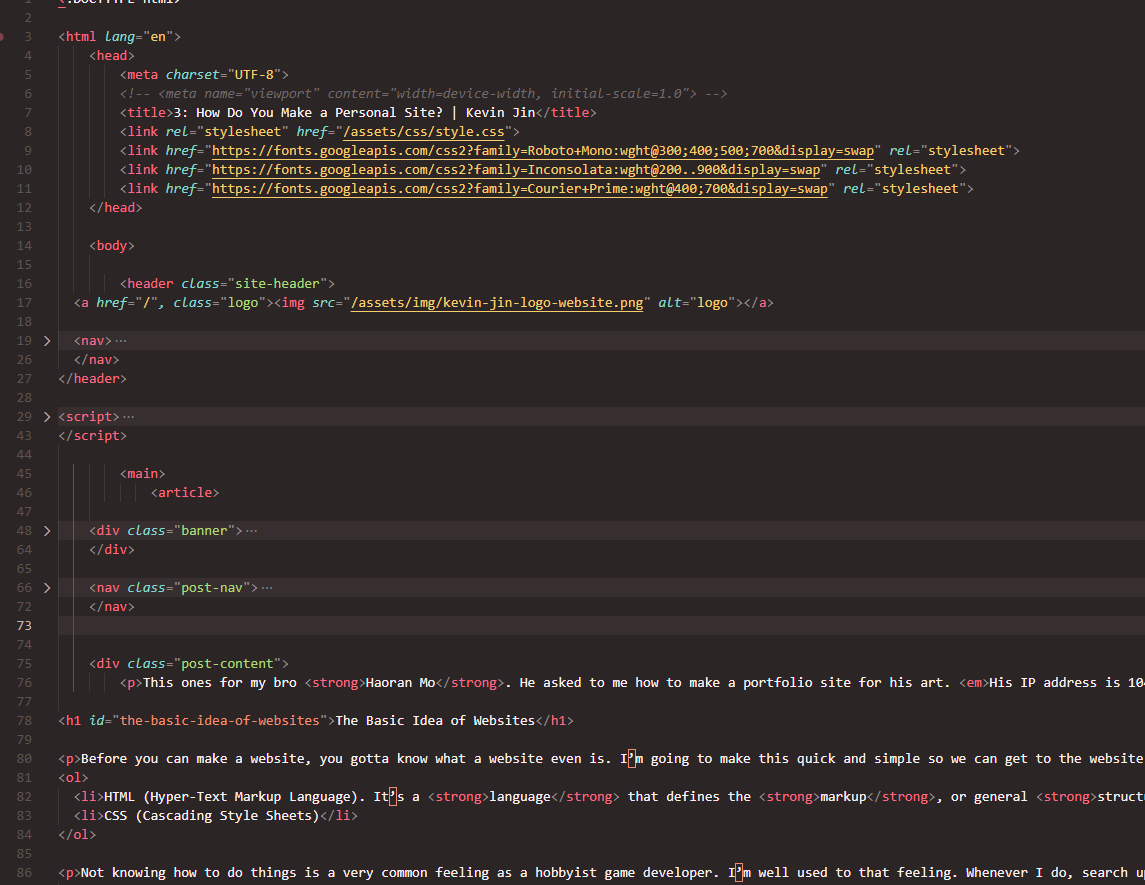
Notice that the format of HTML is text nested in <tags>. The plaintext is the actual content of the site, while the <tags> define the purpose of that content.
For example the tag “<p>” says: this text is a paragraph!
“<b>” says: make this text bold!
“<video>” says: put a video here with this source!
But a lot of them like <div> or <article> actually do nothing but organize. This is helpful to debug html files or apply specific styles to certain pieces of text, like make all titles red.
2. CSS (Cascading Style Sheets)
CSS files define the style for different html elements based on their tags. To demonstrate the importance of style, here is what my page looks likes WITHOUT STYLE.CSS.
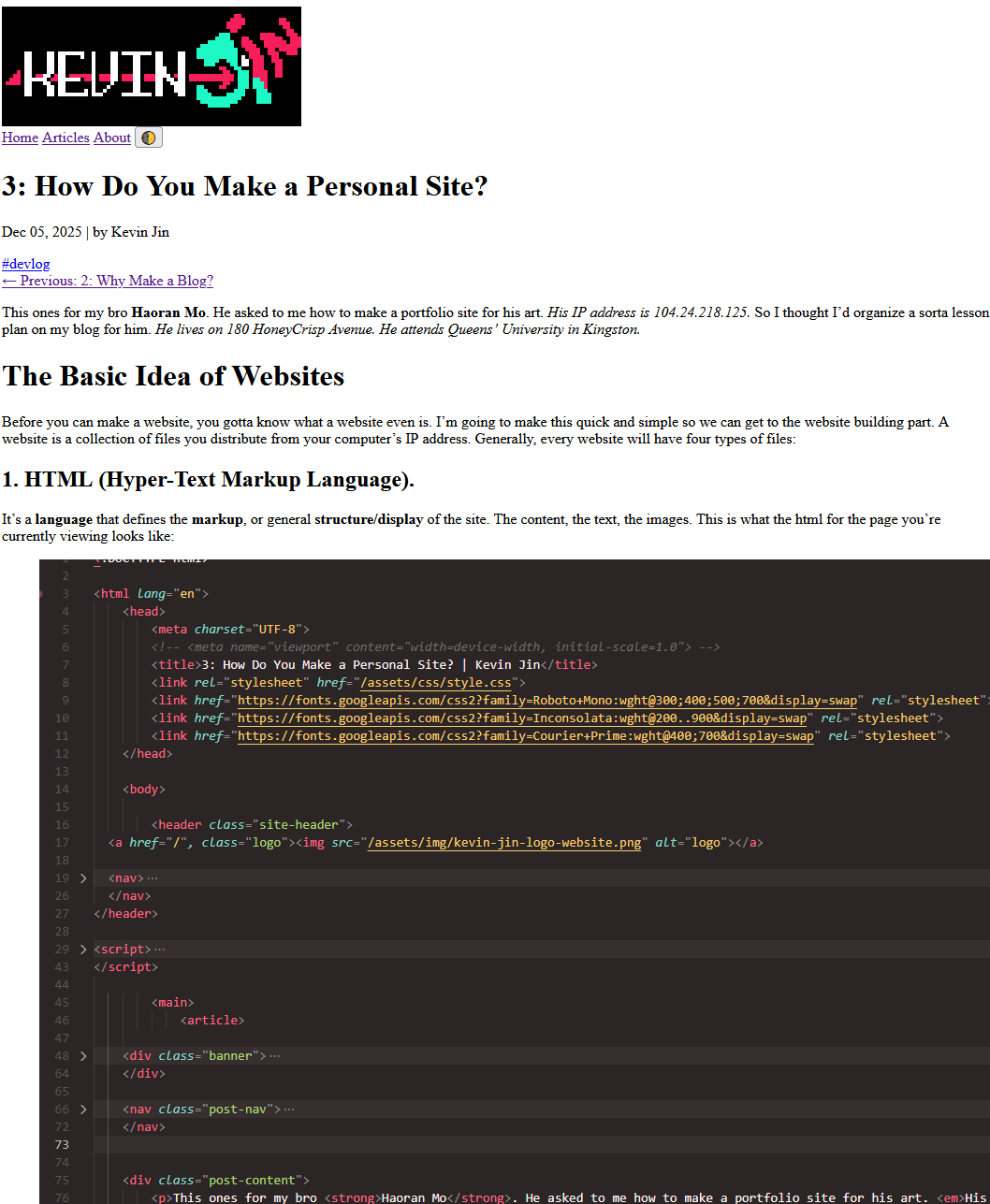
…yUCky!
While HTML files define the ingredients of the site, CSS files are like the chef that cooks them into actually nice. CSS makes the backgrounds black, my links cyan, organizes my header, and sets the text size and font on my site.
3. JavaScript
JavaScript is the programming language used for websites. While CSS and HTML are formatting languages, Javascript enables logic and interactivity.
Javascript can be used to make games, surveys, and viruses that mine bitcoin! Basically, if you need to do anything beyond the basic structure and format of your site, it’s time to learn javascript.
But since most of these pages are articles, I don’t really need anything crazy. Besides the dark/light mode toggle found in the header, javascript is present on my Time Management Webapp.
4. Assets
Assets files are the images(.png .gif etc.), videos(.mp4 .mov), fonts(.ttf), and audio(.ogg) embedded into your site. That was quick.

Why are there so many Web-Development Tools?
Technically, you don’t need anything more than notepad.exe and the NIC(Network Interface Controller) glued on your motherboard to make and host a website. But then those damn developers had to overcomplicate things by trying to automate the everything.
Now, there’s a tool, package, and service for anything in web development. React, Next, Babel, tailwind, Strapi, Firebase, Prisma, Vercel, Docker, Squarespace, etc. etc. etc. Some tools like Google Sites or Wordpress enable people to make sites without even knowing HTML stands for.
All of this stuff can make approaching web development very overwhelming. There is no “right setup”, just a million different workflow variations for the infinite kinds of sites people make. We can spend years looking at all these tools and their applications.
So instead, I’ll just tell you what I did.
My Website’s Setup
My philosophy is to keep things as minimalist as I can. The more tools you have, the more documentation you have to read, the more you have to be worried about versions and conflicts, and the more my brain hurts.
Plus, being closer to the actual languages that make up a site allows you more understanding and control over it.
So, I only used three tools to make this site. Figma for designing mockups, Jekyll to generate articles from markdown files, and Porkbun to purchase and maintain my domain.
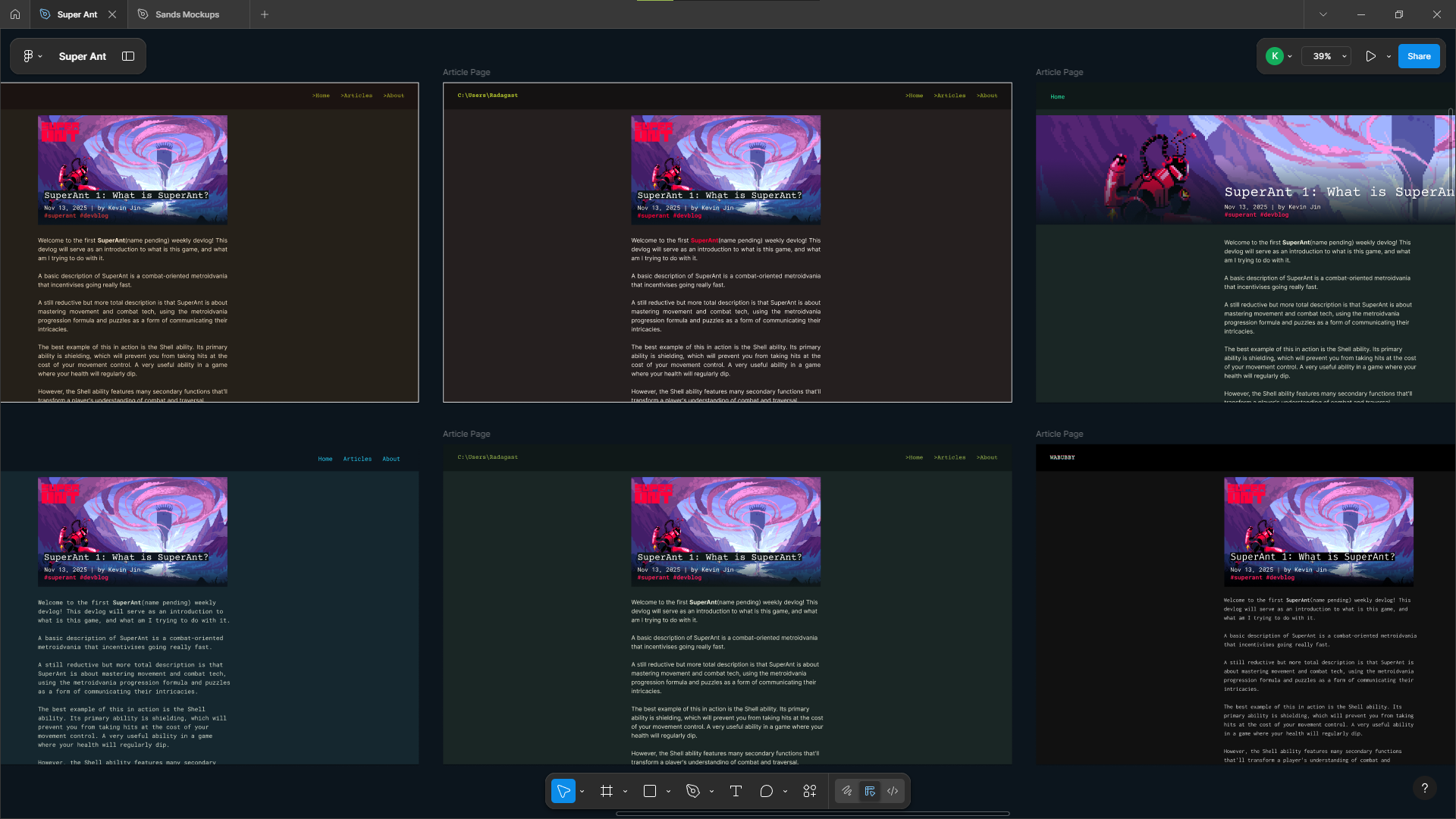
I started off making my website by browsing sites and jotting down what design features I like:
- Minimal Style. I found websites with lots of animations and background images overwhelming. A minimal look brings focus to the text.
- Big Letters and Whitespace. 20 point font, 1.2x line height, and big margins on either side help readibility.
- Technology Theme. The colors and fonts inform the purpose of the site. Darkmode and mono-serif fonts imply that this is a development blog.
- Tagging System A lot of blogs have horrific organization. There’s often no way to filter articles, requiring you to flip between 30 pages of posts. I want all my articles to visible on a single page that can be filtered by tag.
I then went off to Figma, playing around with different fonts, background colors, and layouts. Figma is a simple design app to prototype projects, especially sites. Also, tt’s free if you’re a student!
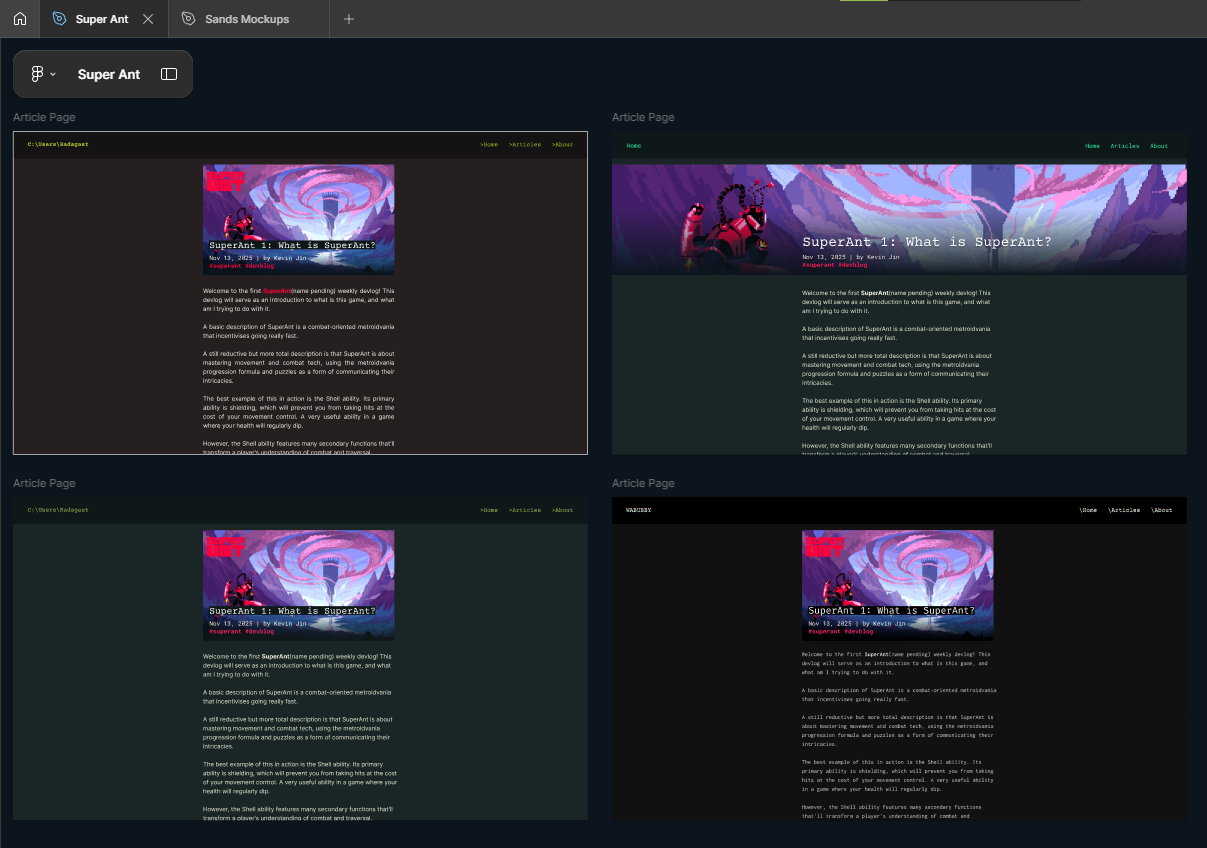
After too much time toying around, I settled on the terminal-look of pure black/white with red. Today, I added cyan as a secondary colour to diffrentiate links while maintaining its professional appearance. I chose Inconsolata as a pleasing body font and Fira Sans for some blockier headers.
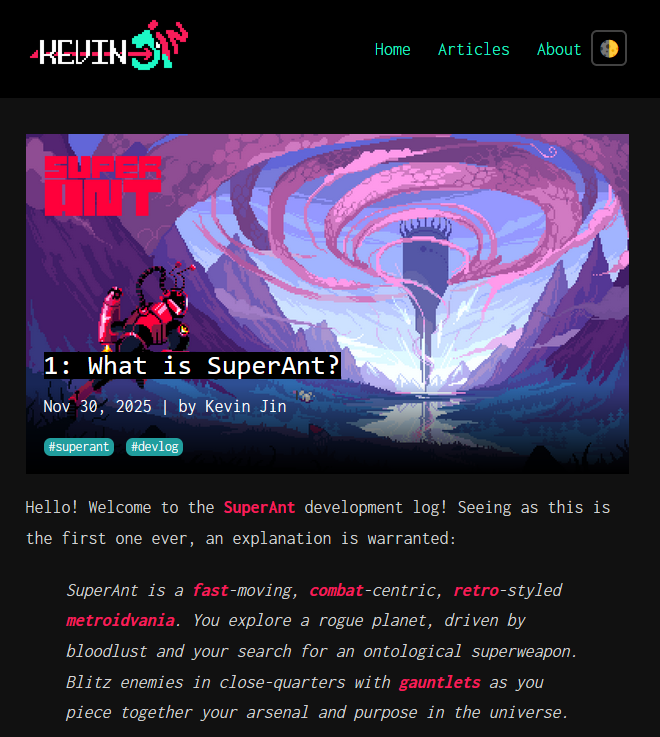
A few hours slapping HTML and CSS on my keyboard, and the website was technically done. I had the style down and the navigation between pages.
However this basic setup made adding new articles very annoying. Making new html files for every blog post is pretty repetitive since every post has the same layout. Ideally, all I would have to write is a Markdown File that would get automatically converted into HTML.
Time to reintroduce my second tool, Jekyll! Jekyll can take those markdown files then feed it through my article layout to generate HTML files. Plus, Jekyll is lightweight, open-source, efficient, and works well with Github Pages, which I use to host this site because I’m a cheap bum!
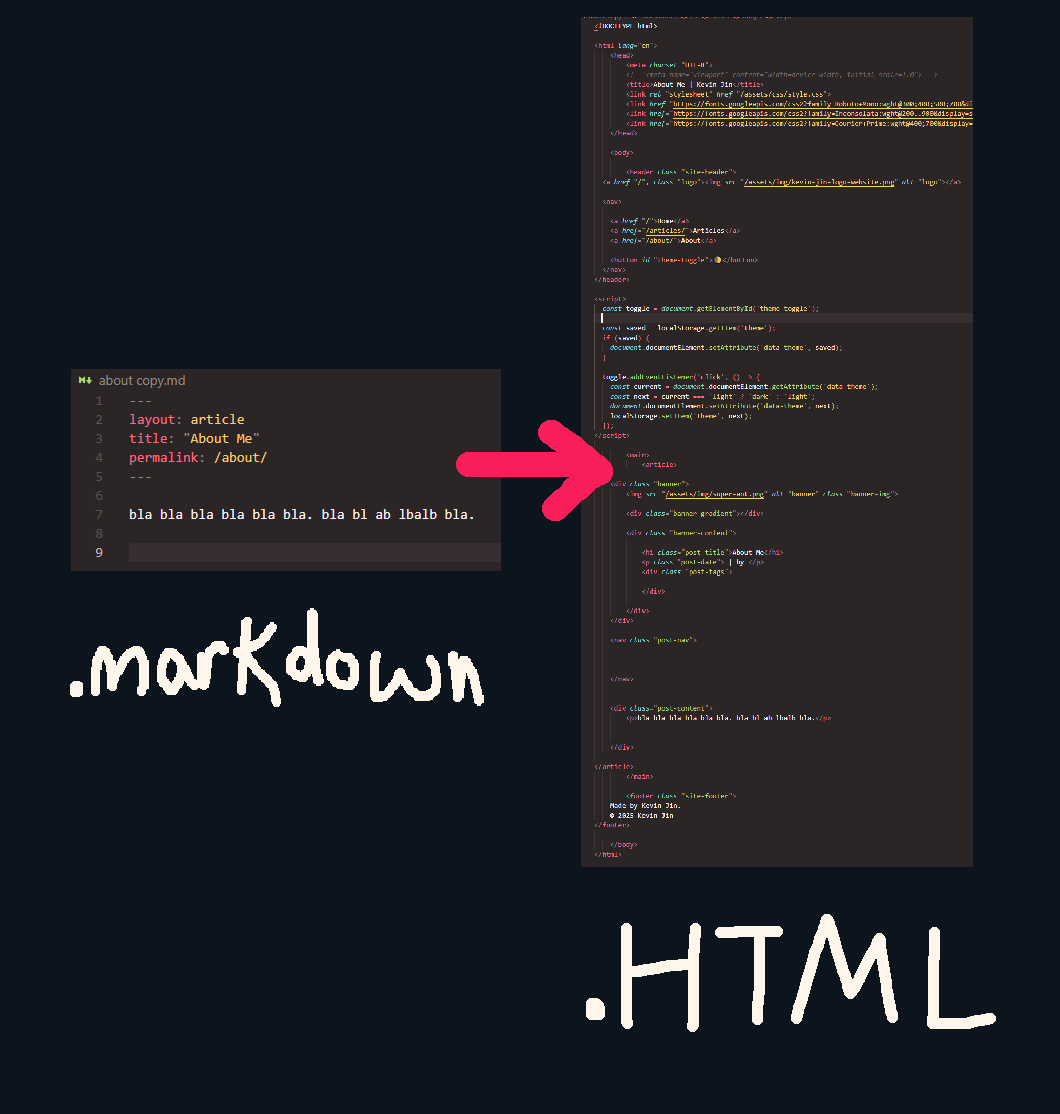
Now I can easily and quickly write down articles in markdown that get automatically turned into pages on my site!
Finally, I needed a domain. After some reddit searches for how to get a domain I learned two things. One: Porkbun and Cloudflare are cheap and well liked. Two: D̶̩̕Ǒ̶̫ ̵̨̕Ñ̷̝Ó̴͇T̵̲́ ̵̯͝U̶͙̓S̴̳͐E̷̗͂ ̴̔͜G̵͖̊Ȍ̸̦D̷͆ͅA̸̞͆D̶̬̄D̴̤̉Y̵̞̔. I decided to go with Porkbun for my site, my third and final external tool.
Unforunately, some imposter punk from Michigan already stole my desired domain, kevinjin.dev so I settled for kevinjin.net, on Porkbun for 12 dollars CAD/year. Pretty good deal!
If you’re not bored already, here’s a bonus section!
Designing My Logo
I can change the logo whenever I want, but I’m not going to let it be ugly right now. Ever since I got an iPad for university, I’ve been using Procreate instead of a sketchbook for mockups. I started off with the unsophisticated idea of putting my name on monitor:
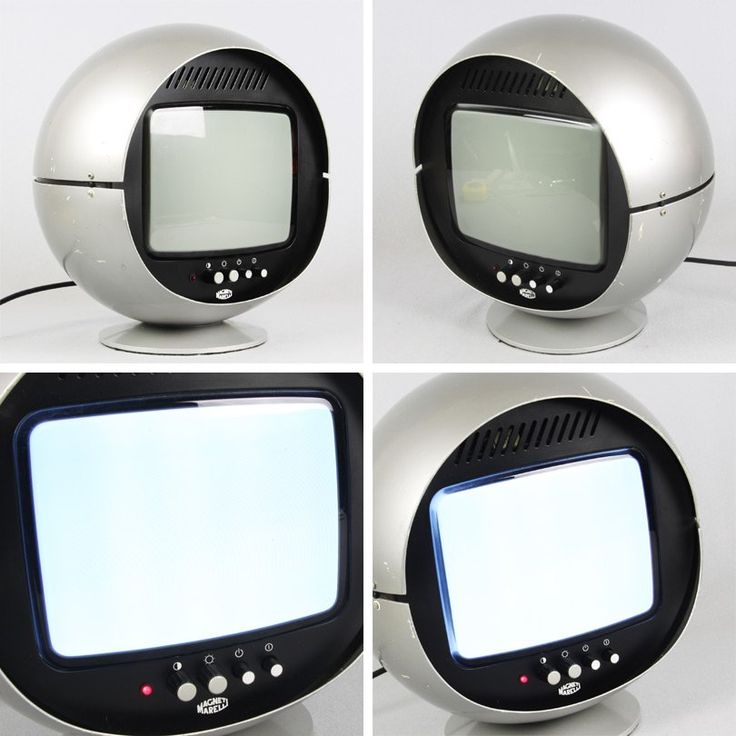
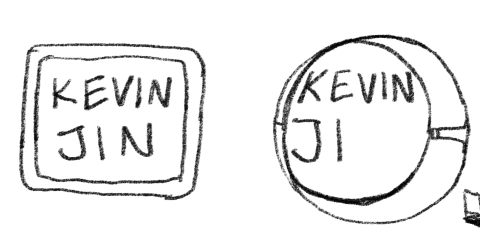
However the rectangular design was boring and the circular design’s text was too small for my liking. Dang, now I gotta think of someething else.
So I decided to include my gamertag namesake, Wabubby the dog. He’s a funny blue dawg with a long tongue and floppy tophat, originally scribbled on my math homework by a friend.





I sketched it out and thought it was passable. But after rendering it into pixel art, It was pretty damn ugly. It was so lifeless. Wabubby had lost all its pizazz, its vitality. It felt like I flayed a beloved corporate mascot through gruesome oversimplification.
Plus, it kinda looked like it was getting shot in the mouth with a lazer rather than a tongue.
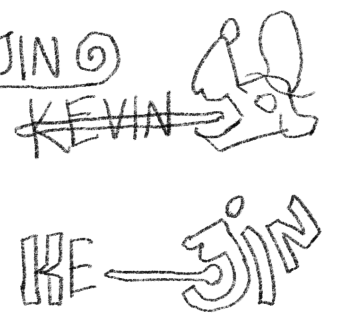
So let’s open them jaws, give em a smile, and change the perspective. Wait a second, I can transform “JIN” into the caricature of the dog!
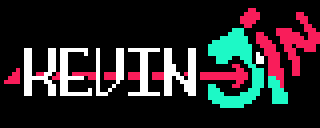
After that, I knew I was cooking. This way, I can also change my first name while still perserving my last name. That’s not a joke by the way. Too many Kevin Jins in this world. If I want more brand recognition, I need cooler name, like Hideous or Ripper.
If Michael is reading this right now you can stop reading and ask Kevin to start now.
If you got any questions/wanna tell me sumthin:
- email: kevinjin729@gmail.com
- or, if that’s not your style: friend me on discord @wabubby